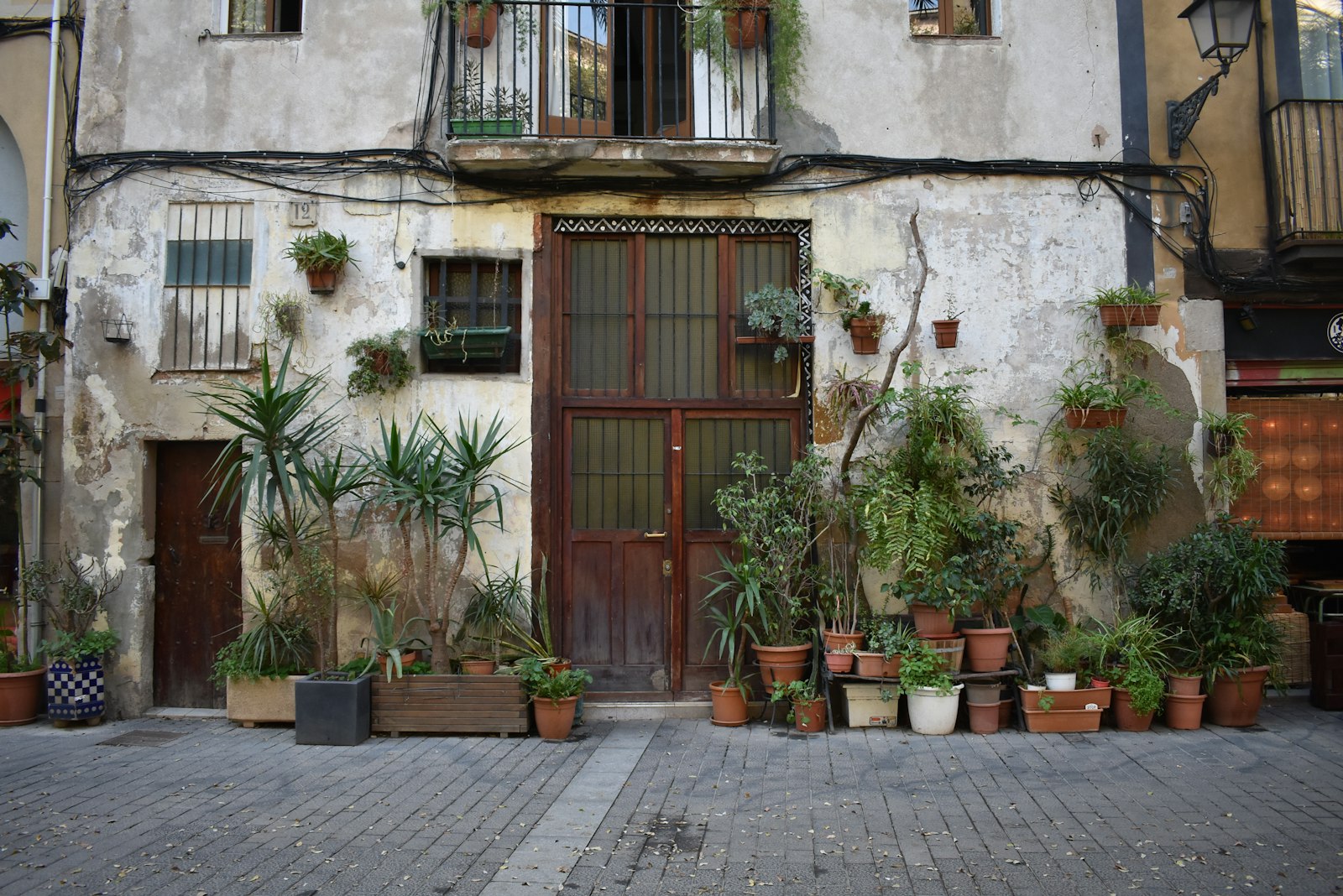
Choosing photos for your Google Business Profile is easier when you think about the questions a new visitor will ask. It is easy to think that a business profile needs more photographs. Often it needs better-chosen ones. A visitor looking for your café may want to recognise the door, while someone booking a room needs to see the space where they will sleep.
Start with the journey from the street to the main reason a customer visits. The right images depend on your business, but each one should answer a question. Before taking another picture, ask what that picture will help a new customer understand.
Start by showing the entrance
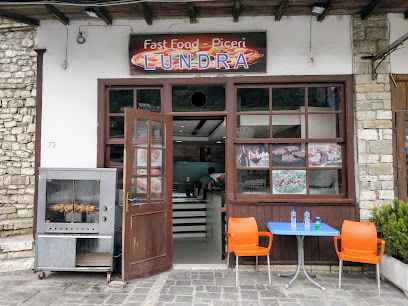
Stand where a first-time visitor is likely to approach. Can the camera show the sign and the correct door together? If there are two possible entrances, photograph the one customers should use. Try a second angle from the other direction when it adds clarity.
This is especially useful for a venue behind another building, a shop on a narrow street or a bar reached from a beach path on the Albanian Riviera. The entrance photograph is not merely decoration. It can stop someone walking past the place they came to find.
Google’s photo guidance suggests showing exterior views from the directions people may approach and interior views that reflect the real customer experience (Google Business Profile photo tips). Treat that as a way to plan, not a reason to upload near-identical pictures.
Think of the set as a short walk rather than a collection of favourite pictures. The first useful frame may be the street view of the entrance. The next can show the room a visitor steps into, followed by the feature they came to see, whether that is a display, dining space or a room type.
Give people a feel for the main space
Once the door is clear, show where people will spend their time. A restaurant should show the dining area; a hotel should show its actual room types and shared spaces; a shop should show how the displays and aisles feel. A wide view helps a visitor understand the layout.
Take the photograph when the light is useful and the space is tidy, but do not change the layout just for the picture. If you move tables to make the room seem bigger, a guest may arrive expecting something you do not offer. Accurate images make expectations easier to manage.
Add details that help someone choose
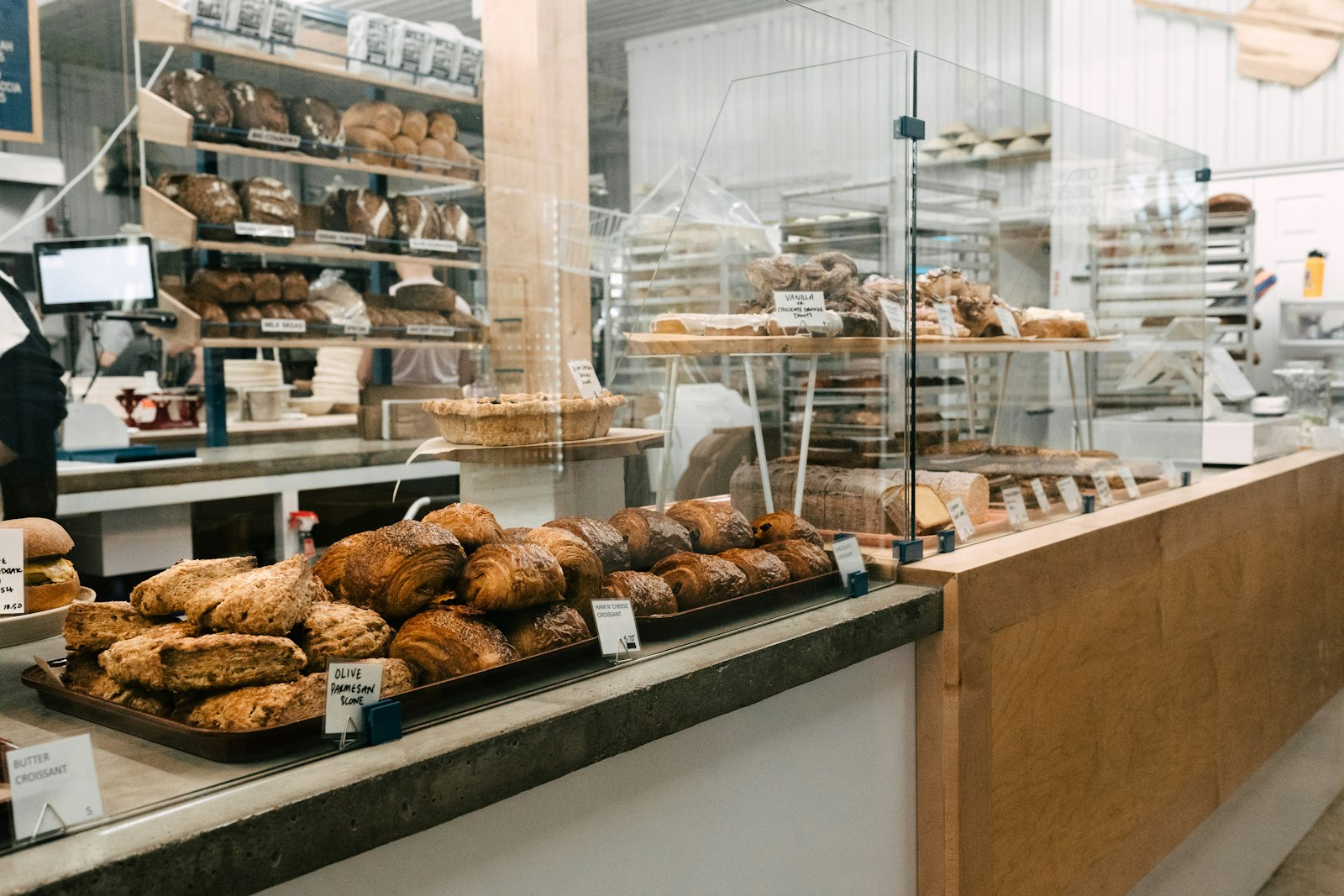
Close-up photographs still have a job. Show a popular dish, a treatment space, the products you actually stock or the counter where visitors order. A hotel might show the bathroom or a balcony if those details matter when choosing a room.
Do not fill the gallery with the same plate from several angles while leaving the entrance unseen. Think in groups: outside, main space, key product or service, and a detail that answers a common question. Keep menus and prices on their proper pages as well; a photo of old printed information may quickly go out of date.
When people are in the picture, make sure you have the permissions you need. Ask before photographing guests or staff for public use. Put private paperwork, payment screens and personal belongings away before the camera comes out.
A close-up of an attractive plate can show the food, but it cannot tell a customer whether the restaurant has outdoor seating. A wide shot answers that different question. Label images accurately on your own site so nobody mistakes a seasonal terrace or special room for the standard offer.
Decide what needs replacing
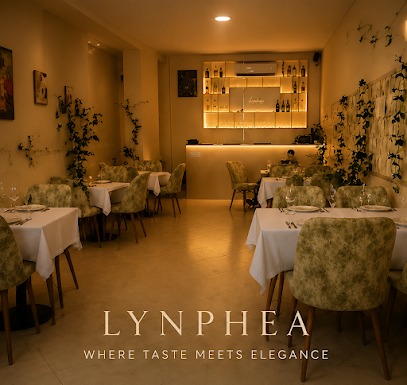
Walk through your gallery and mark pictures that no longer match the premises. A new sign, changed layout or different outdoor seating can make an older image confusing. Seasonal businesses should be especially careful about pictures that suggest a terrace or facility is open all year.
You do not need a full reshoot every time you move a chair. Replace images when a visitor could arrive with the wrong expectation. Make sure the current entrance and main offer are easy to find among the gallery.
Put the set to work
Choose a small group of clear images for the profile and match them with the right pages on your website. Use the entrance view near directions, room pictures near booking details and product images near the offer. Make it easy for someone to move from curiosity to a sensible next step.
Check the result on a phone. Can you recognise the business quickly? Do the pictures tell the same story as the words and opening hours? If not, change the order or replace the missing view. More images alone will not solve a confusing first impression.
After you upload images, look at the profile again from a visitor’s phone. Check that a current exterior can be found without digging, that old images have not become the only visible view and that your website shows the same premises. Set aside any frame that could be mistaken for another business.
Vista 360 can photograph the real entrance and main space, then add a 360° tour when a single still cannot show the layout. For a beach bar with a path from the road, exterior views explain where to arrive and the tour helps visitors understand the seating and beach access. Suitable 360° imagery can appear on Google Maps or Street View; the services page sets out the options. Examples of finished work are in our portfolio.
If you would like to plan a set of honest images and a useful 360° view of your premises, contact Vista 360 to discuss what customers need to see.
Leave a Reply